

1 license = 1 teammate. Each license activates on up to 2 Macs (for example, a desktop and a laptop).
One-time purchase, perpetual — no subscription. Billing, invoicing and VAT are handled by Polar (our merchant of record).
This guide is for the person who buys and administers TypeFix for a team. It walks the full lifecycle: buying licenses, distributing keys, installing on each Mac, activating, moving a license between machines, and managing everything centrally — no separate admin app required.
Go to typefix.app/business and choose how many licenses you need. The per-license price drops automatically by volume — the discount applies to the whole order:
| Licenses | Per license | Save |
|---|---|---|
| 1–4 | $14.99 | — |
| 5–9 | $12.74 | 15% |
| 10–24 | $11.24 | 25% |
| 25–49 | $8.99 | 40% |
| 50+ | Custom quote | — |
Checkout is USD via Polar, which issues a proper VAT invoice automatically. Buying 50 or more? Request a volume quote.
Right after checkout you receive one license key per teammate plus the app download link. A confirmation email is sent, and every key is always available in your Polar customer portal — keep that account secure, as it's your license console.
Two supported ways — pick whichever fits your organization:
There is no separate admin console to install — the Polar customer portal is the management console.
On every Mac: download the app from typefix.app, open the .dmg, and drag TypeFix into the Applications folder.
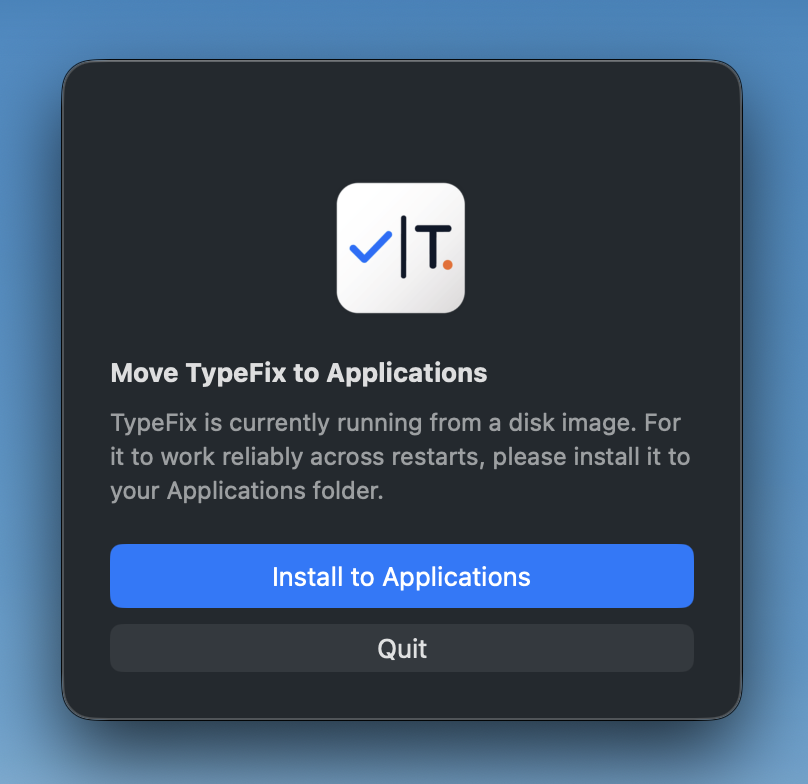
The app is signed and notarized by Apple, so it opens normally. If macOS shows a first-launch prompt, right-click the app and choose Open once to confirm.
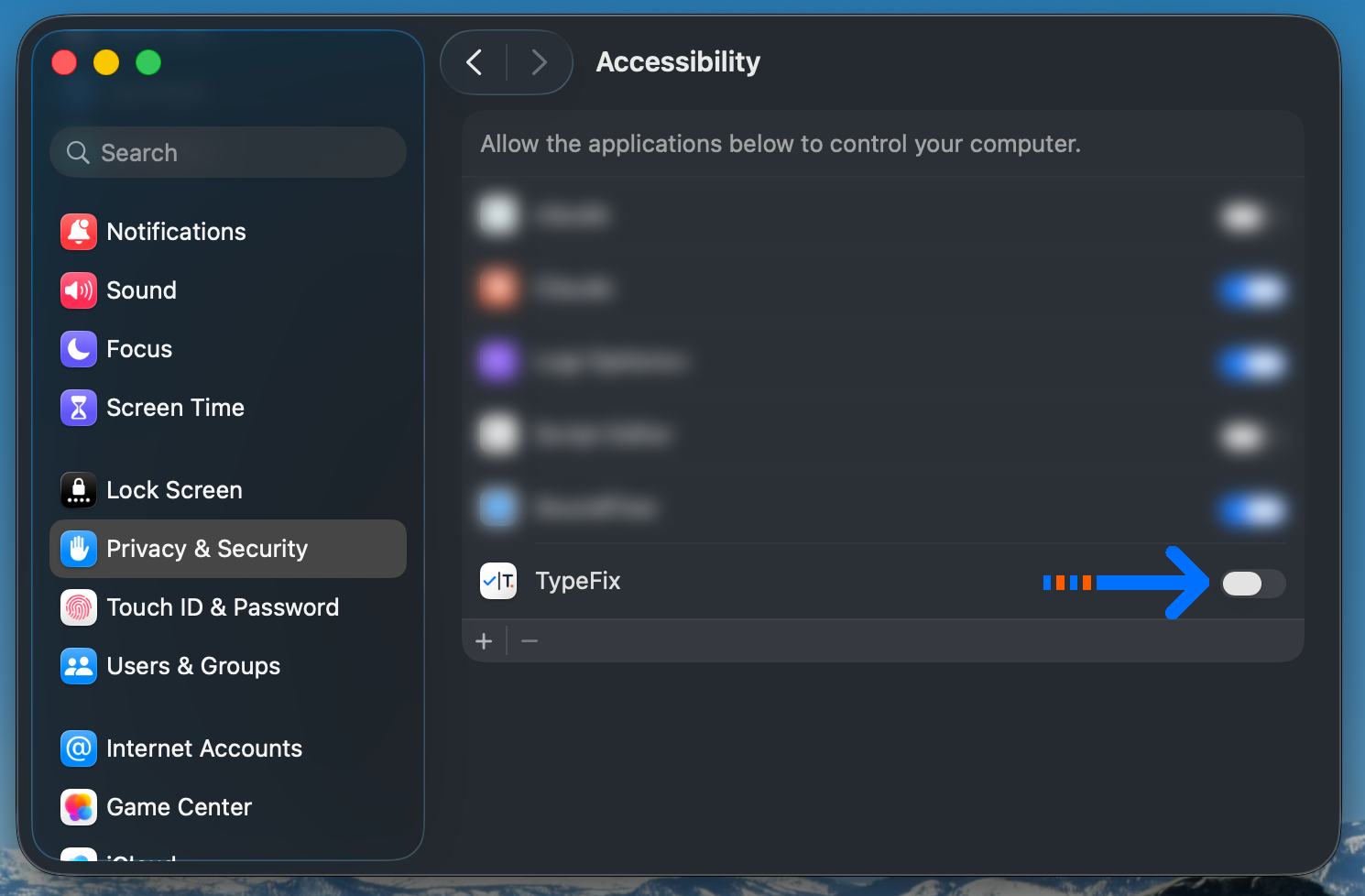
TypeFix needs macOS Accessibility access to read and rewrite the text being typed. Go to System Settings → Privacy & Security → Accessibility, enable TypeFix, and authenticate.
Open TypeFix, paste the teammate's license key, and activate. That uses one of the key's two device slots, so the same person can also activate on a second Mac (e.g. their laptop).
When an employee leaves or gets a new laptop, you don't buy a new license — you free the slot and reactivate:
Each key allows two active Macs at a time; deactivating always frees a slot for the next machine.
Your portal account is the single place to administer licenses:
TypeFix re-checks its license about once a week. If a Mac is offline, the app keeps working through a 7-day grace period, then simply needs a connection to re-validate. Normal laptop and travel use is unaffected — this is not per-use online DRM.
To update, download the latest signed DMG from typefix.app and replace the app — settings and the active license are preserved. For managed fleets you can optionally host the DMG in Jamf, Kandji, Intune or Munki for push deployment, but no MDM is required.
| Symptom | Fix |
|---|---|
| “Activation limit reached” | Both device slots on that key are in use. Deactivate one (from the old Mac or the Polar portal), then activate again. |
| “Key not found / invalid” | Usually a wrong key or a stray space. Re-copy the key from the Polar portal and paste it exactly; confirm it's one of your team keys. |
| Accessibility not working | Toggle TypeFix off and back on under Accessibility and re-authenticate, or quit and reopen the app. If the app was moved or reinstalled, remove and re-add it in the list. |
TypeFix for Teams — IT Admin Guide